
The steps below show how to find your total Microsoft Office 365 Groups storage size:
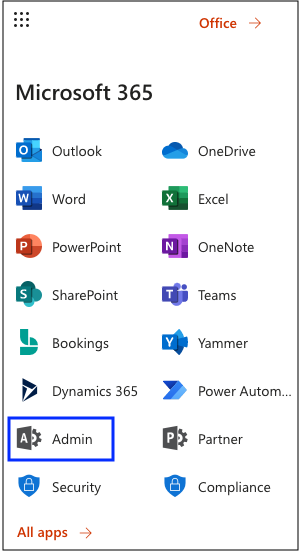
Log in to your Office 365 environment as an administrator, and select Admin
Then click on Show all...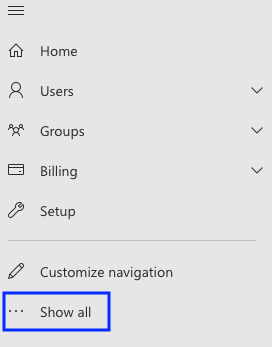
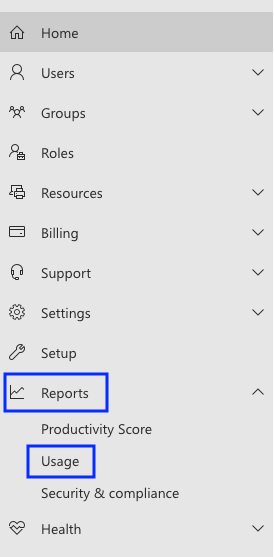
Choose Reports >> Usage
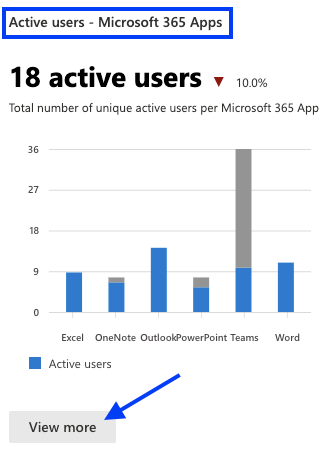
Scroll down till the Active users - Microsoft 365 Apps is displayed and click on the View more button
Click on the Groups activity tab
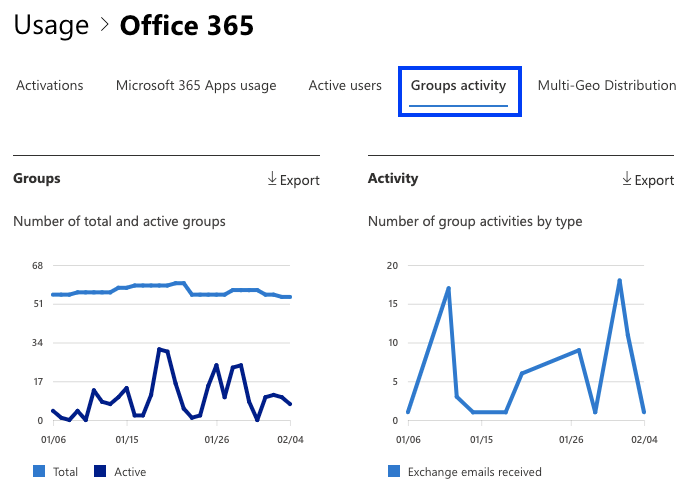
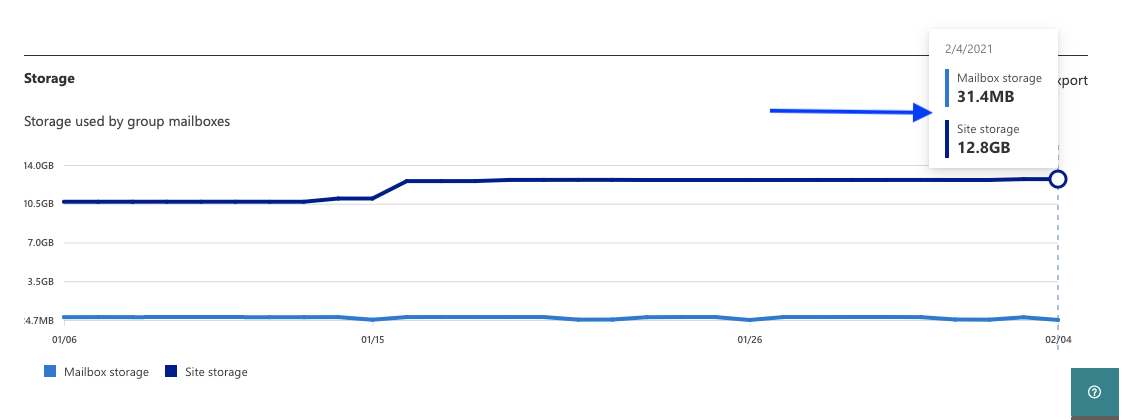
Scroll down to see the actual utilized storage size
Click to learn more about Microsoft 365 Groups and Teams
